Home Workout Gym Fitness Challenge: No Equipment1.0
Publisher Description
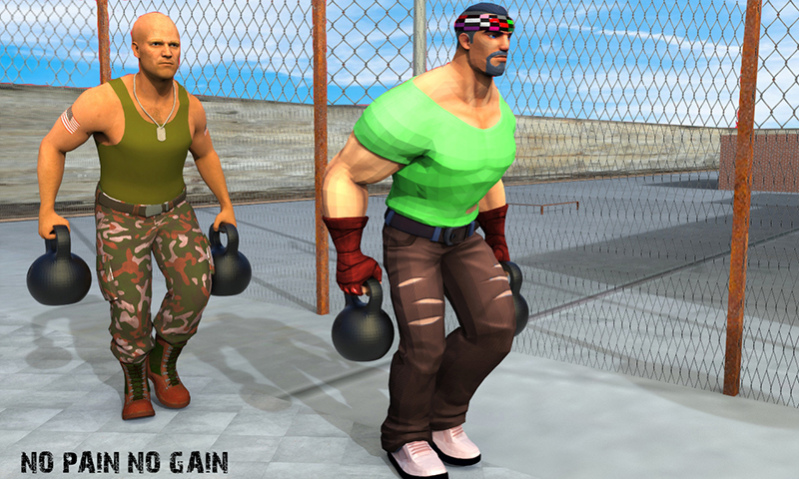
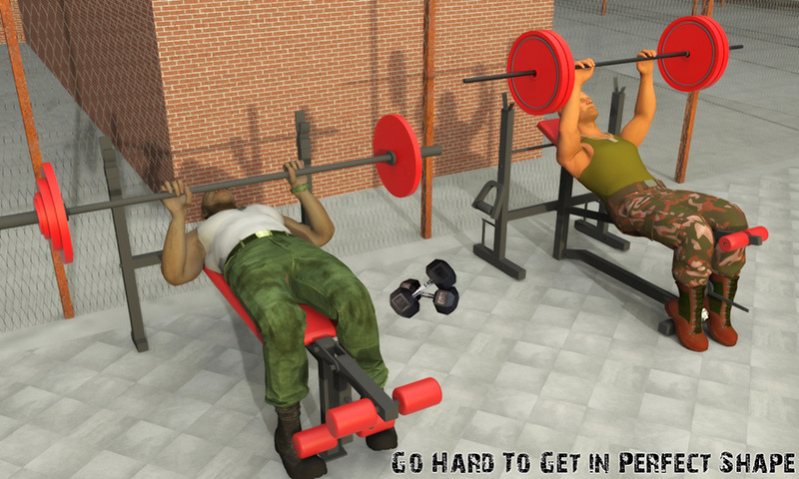
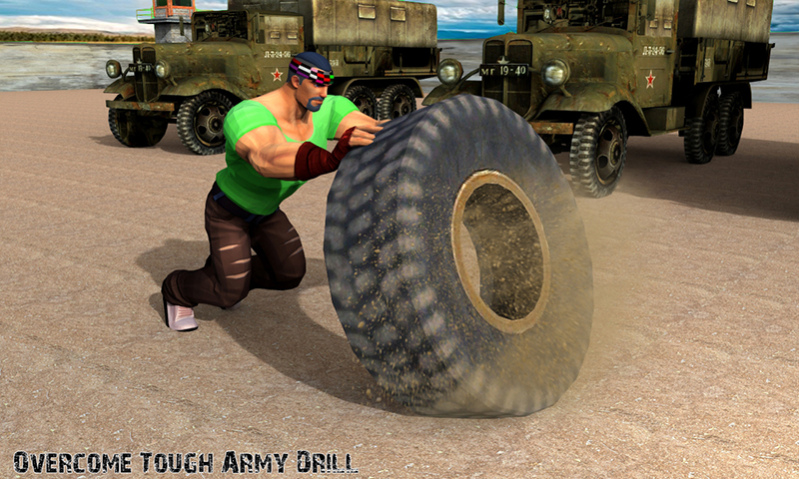
Make fat boy look physically fit and gym workout on Abs fitness. Start Train your player with Fat Burn Fitness Workout. Go for effective gimnasio weight loss and fuel up body building muscle strength with Equipped gym or personal trainer. Join six pack fitness studio that has all indoor exercise and gymnasium equipment to offer health and Physical fitness gym trainer for cardio work out.
Get access to best instant weightloss workout fitness game! Follow your personal gym trainer pro instructions to tone your fat boy into body builder and daily workout for perfects abs fitness challenge with nutrition tips and meal planner. work out Jack to loss extra weight by running on treadmill start fit fat jumpy jack fitness gym. Schedule your Diet plan and Increase the strength of Abs (Abdominals), Biceps/Triceps and Shoulders muscle fitness.
Whether your goal is to lose weight, increase your muscle power,flat stomach , with US Army Fit & virtuel fitness training workouts you can pursue your goals. All you need is your own body weight, will and motivation to become a true athlete.
3D Fitness Gym Fat Burn Features:
Perfect Personal trainer for beginner
Efficient Gimnasio jumpy jack
Multiple indoor exercise log
Expensive Workout gym equipment
Detailed fit fat loss Guidance
Exciting work out features and HD graphics
Take regard of Home Workout Fitness Challenge of body building six pack health and fitness studio by following diario gym gimnasio workout plan to burn fat!
About Home Workout Gym Fitness Challenge: No Equipment
The company that develops Home Workout Gym Fitness Challenge: No Equipment is Meta Dort. The latest version released by its developer is 1.0.
To install Home Workout Gym Fitness Challenge: No Equipment on your Huawei device, just click the green Continue To App button above to start the installation process. The app is listed on our website since 2020-06-18 and was downloaded 0 times. We have already checked if the download link is safe, however for your own protection we recommend that you scan the downloaded app with your antivirus. Your antivirus may detect the Home Workout Gym Fitness Challenge: No Equipment as malware as malware if the download link to C102411601 is broken.
How to install Home Workout Gym Fitness Challenge: No Equipment on your Huawei device:
- Click on the Continue To App button on our website. This will redirect you to Huawei Store.
- Once the Home Workout Gym Fitness Challenge: No Equipment is shown in the Huawei Store listing of your Huawei device, you can start its download and installation. Tap on the Install button located below the search bar and to the right of the app icon.
- A pop-up window with the permissions required by Home Workout Gym Fitness Challenge: No Equipment will be shown. Click on Accept to continue the process.
- Home Workout Gym Fitness Challenge: No Equipment will be downloaded onto your device, displaying a progress. Once the download completes, the installation will start and you'll get a notification after the installation is finished.
